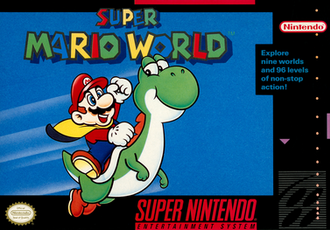
Controls and cape flight
The original SNES buttons for running, jumping and getting Cape Mario airborne.
Original SNES game and its emulated releases. Controls use SNES button labels. Super Mario Advance 2 differences are outside this guide.
Learn the basic inputs
Hold Y to run. B jumps, while A performs a spin jump. SELECT releases the reserve item. These are SNES labels; check the mapping on a different controller.
Take off with the cape
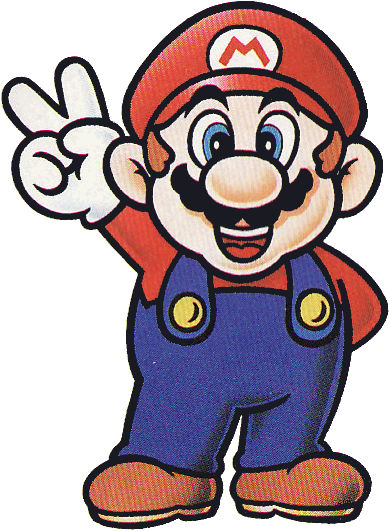
As Cape Mario, run until Mario reaches full speed and extends his arms, then press B to launch.
Practise with space to spare
Our suggested drill is to practise the run-up and take-off separately on a clear stretch. Once you can launch consistently, experiment with steering and landing before trying to bypass a difficult section.
The runway is part of the move
Cape flight begins with a sustained run, so choose a stretch without an enemy or abrupt step interrupting the approach. Practise launching, gaining control and landing as separate parts of the move. An ordinary jump with the cape can still provide a slower descent even when full flight is unsuitable. That smaller safety margin is often useful for learning a ledge before attempting to bypass a whole course.
Keep normal and spin jumps distinct
The SNES B jump and A spin jump do not interact with every enemy or obstacle in the same way. A spin jump can be useful over certain hazards but is not a promise that any contact is safe. Test one known obstacle at a time, watch the result and keep enough room for a landing. Controller ports may relabel the buttons, while the underlying jump choices still need to remain distinct.
Use the SNES control layout as your reference. The Game Boy Advance adaptation has different controls and is outside this guide.
In the game: Mario’s poses
Super Mario’s basic poses as the game assembles them from his graphics; open a form for its walk cycle.
 StandingPose 00
 WalkingPose 01
 WalkingPose 02
 Looking upPose 03
 JumpingPose 0B
 FallingPose 0D
 KickingPose 0E
 CarryingPose 07
 Facing the screenPose 0F
Walk cycles
 Mario
 Super Mario
 Fire Mario
 Luigi
 Super Luigi
 Fire Luigi
Pictures drawn from the Super Mario World (SNES) game data: sprites are assembled from their tiles the way the game draws them, in the palette of a level they appear in; blocks, coins and berries are built from their 16×16 level-tile definitions with the animated tiles in place; maps show the overworld’s terrain layer (the level tiles and paths on its other layer are not in the asset export). Animation timing is approximate.