Controls & getting started
GameCube controls, recovery and basic match rules.
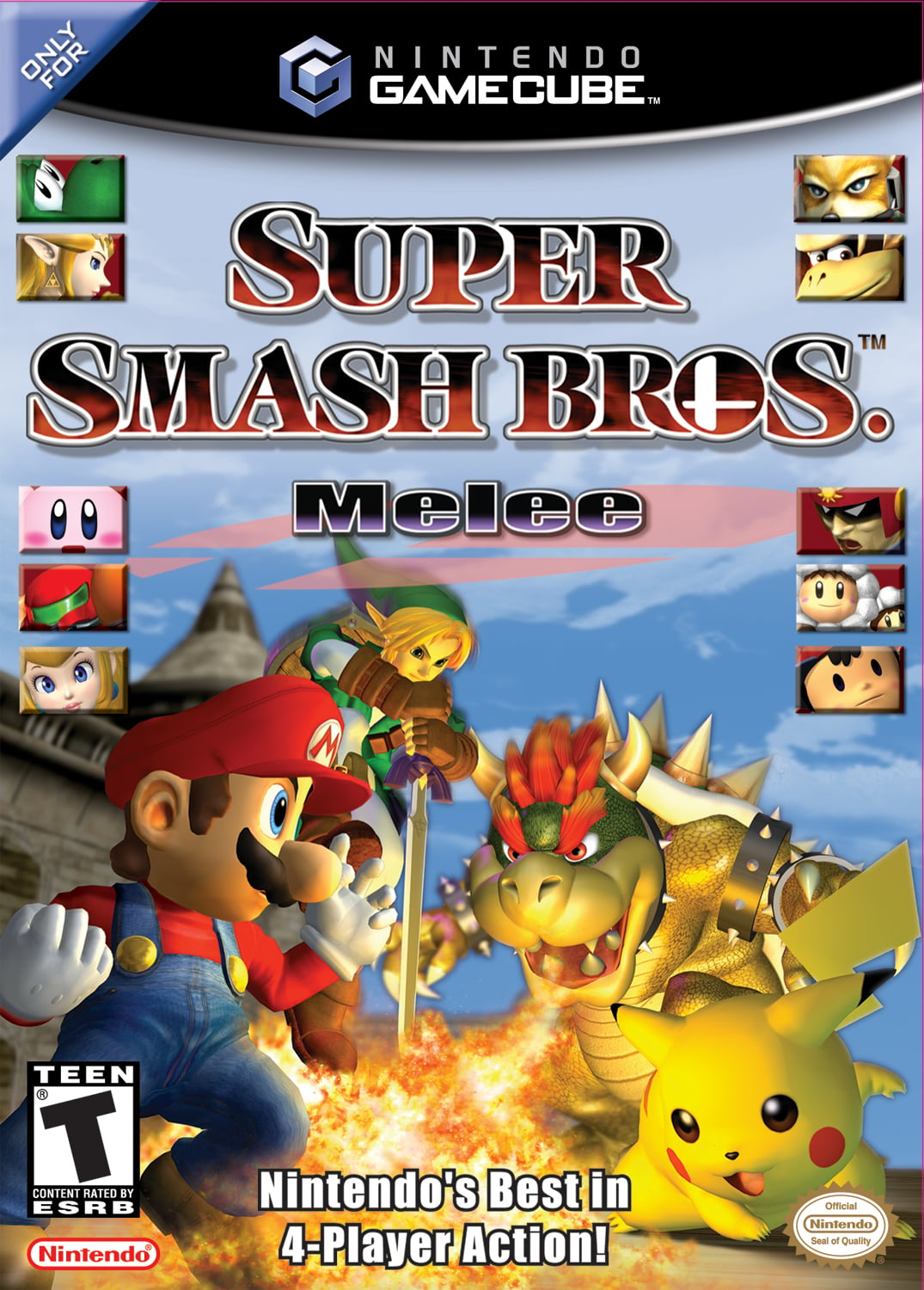
Original Super Smash Bros. Melee for Nintendo GameCube. Regional balance differences and later Smash games are outside this introductory guide.

Move and attack
Move with the Control Stick. A performs normal attacks; combine a quick directional flick with A for a smash attack. B with neutral, side, up or down input uses special moves.
Jump and defend
X, Y or an upward stick input jumps. L or R shields; Z grabs. In the air, L or R performs an air dodge.
Recover before you attack
After being launched, aim to return safely with your jumps and recovery move. An aerial dodge can leave you unable to act until landing, so practise it near the stage first.
Set your rules
Stock battles give each player limited lives. Time battles score KOs against falls. Local VS matches support up to four players.
Start with landings and recovery
Choose a fighter and practise returning from both a high and a low position near the edge. Then learn a simple grounded attack, an aerial attack and how to shield after landing. Those actions form a practical first match plan. If you are losing stocks quickly, review where you land and which recovery options remain before assuming you need a complicated offensive technique.
Use Training Mode to practise a movement or item before taking it into a match.
What the screen tells you
The match texts and damage counter, taken from the game. “Ready” and “GO!” start a match; “TIME!” appears when the clock runs out and “GAME!” when the match is decided; a tie goes to “Sudden Death”, where everyone starts at 300%. “Success!”, “Failure” and “Complete!” close the solo challenges.









The damage counter


 Damage goes up as a fighter is hit; the higher it is, the further the next hit sends them.
Results



Pictures taken from the Super Smash Bros. Melee (USA, revision 2) disc: textures decoded from the game’s own archives (character-select portraits, stock icons, stage-select pictures, emblems and menu art), the clear pictures stored on the disc, and frames from the opening movie.