
Baseball guide
Bat, pitch and play through three innings.
Original Wii Sports for Wii (2006). Wii Sports Resort, Wii Sports Club and Nintendo Switch Sports are separate games.
Baseball in pictures
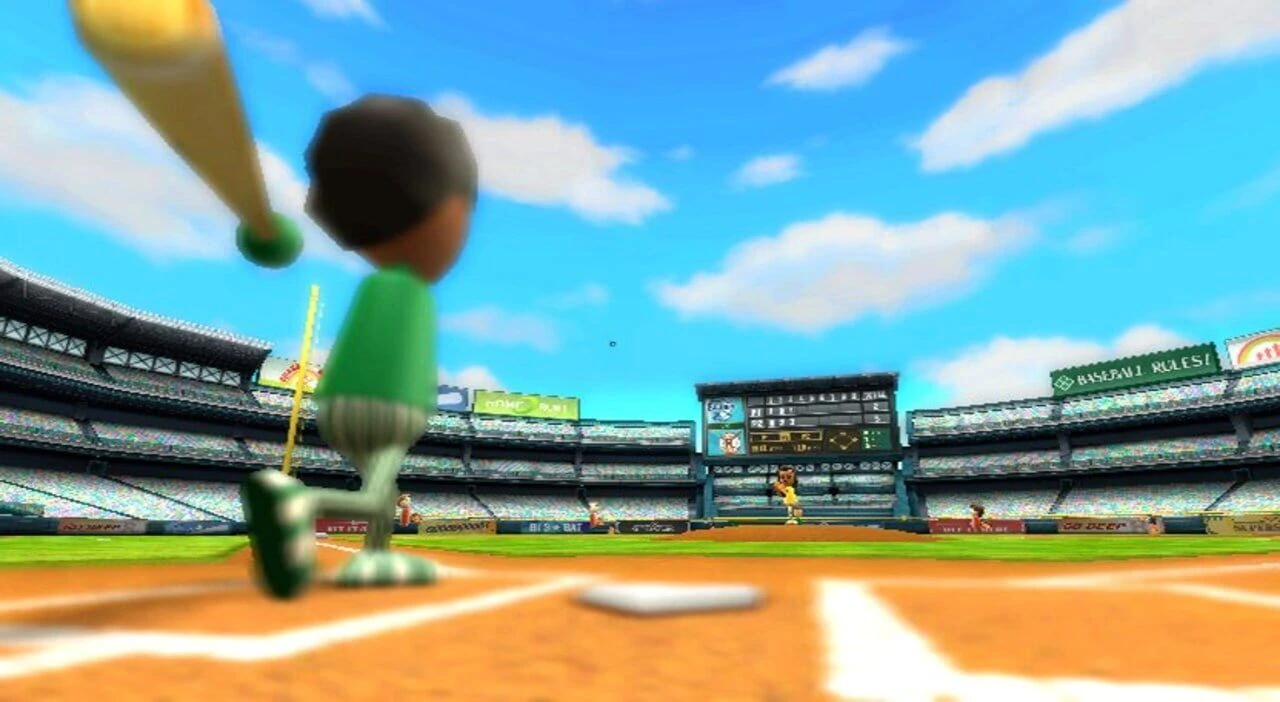 Baseball in the original Wii Sports · Image from Wii Sports Guide; © Nintendo.
Match rules
Teams alternate batting and fielding over three innings. Three outs end a batting turn. The computer handles fielding once the ball is hit.
Batting
Swing the Wii Remote as the pitch reaches the plate. Contact timing affects the direction of the hit.
Pitch selection
Pitch without a button for a fastball. Hold A for a screwball, B for a curveball, or A and B together for a splitter. A splitter can become a ball if the batter leaves it alone. Sakura is the Baseball champion.
Track a pitch all the way to the plate
Start with a repeatable batting swing and observe where contact occurs. A swing that is consistently early suggests a timing adjustment, while missed pitches of one type suggest you need to read that delivery more carefully. Fielding and running happen automatically in this game, so spend your attention on the pitching and batting decisions you can actually change during a three-inning match.
Vary the pitcher’s question
Pitch selection gives the batter different trajectories and timing to recognize. Avoid using the same delivery simply because it worked once; watch whether the batter is waiting for it. When batting, taking a pitch can also be a decision, particularly when it is outside the useful hitting area. Use Batting Practice to improve contact, then bring that consistency into a match rather than swinging harder at every delivery.
References
Adapted text attribution
Sport reference summaries are adapted and rewritten from the community source. Credit: Wii Sports Wiki contributors. Adapted text is shared under CC BY-SA 3.0. The new playthrough-planning recommendations are editorial additions. Game images have separate rights and are not licensed by this text notice.