
Resident Evil Revelations Genesis scanner: hidden items and healing
Turn scans into supplies without exposing Jill during combat.
Edition covered
Reference focuses on the 2013 PC/console HD version of the 2012 Nintendo 3DS game. Pictures show that HD version. Infernal difficulty, Wall Blister and expanded Raid content must not be assumed available in the original 3DS release.
Genesis functions
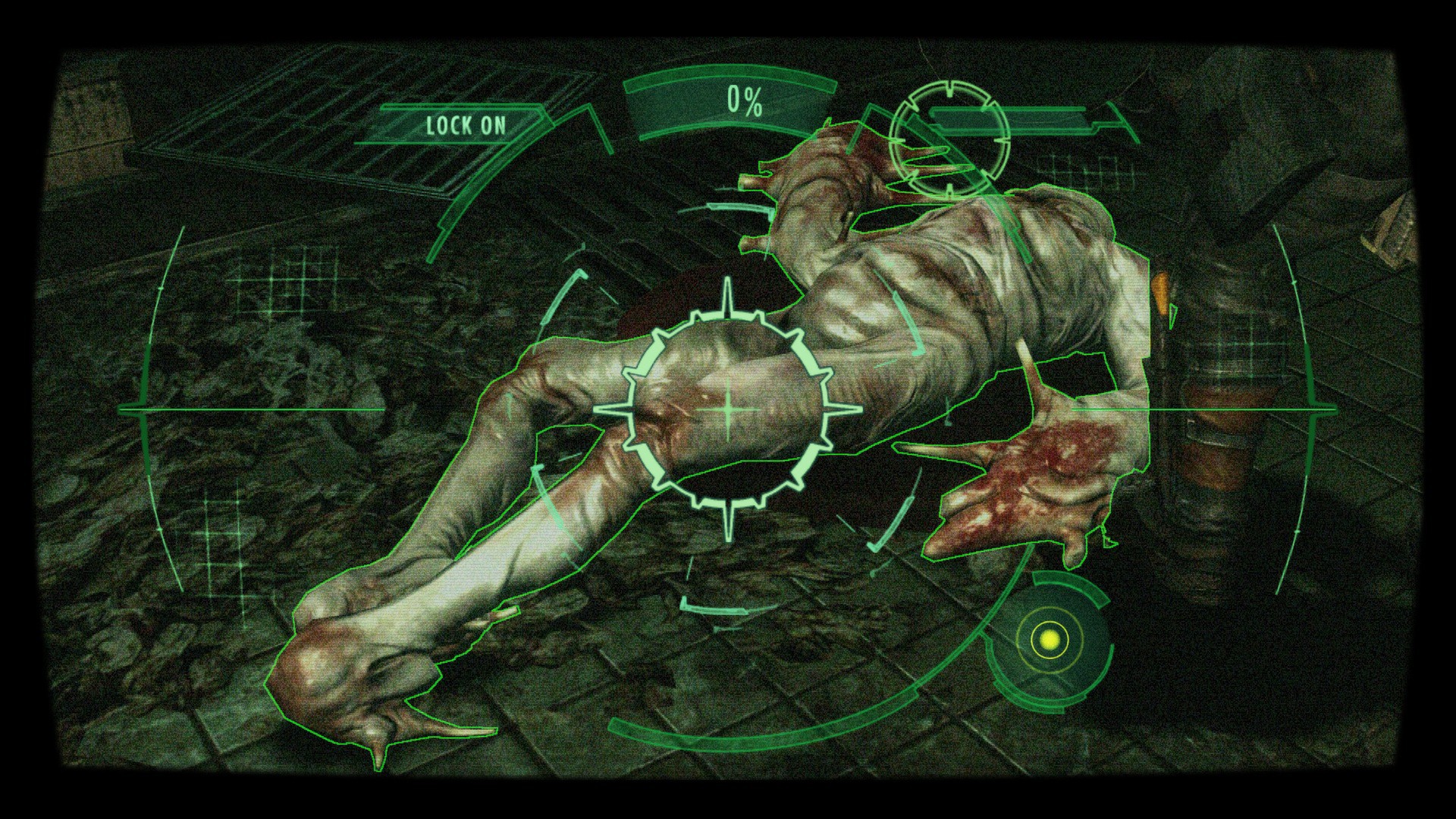
The Genesis scanner analyzes infected material and reveals hidden supplies. Scanning enemies builds the analysis percentage; reaching 100 percent produces an herb. It is a campaign tool, so do not expect the same scanner loop in Raid Mode.
| Function | Result | Limit |
|---|---|---|
| Scan infected target | Raises analysis | Needs a scannable target. |
| Reach 100 percent | Produces a healing herb | Separate from ordinary item discovery. |
| Search the room | Reveals hidden supplies | Collect the item afterward. |
| Read detection feedback | Narrows nearby search | Not every surface contains an item. |
Scanning routine
Sweep a cleared room for hidden items, then inspect available enemy remains. An item found through the scanner still needs to be collected. Use the detection feedback to narrow the search rather than repeatedly scanning an empty wall.
| Moment | Action | Reason |
|---|---|---|
| Fight still active | Create distance first | Avoid damage while aiming the scanner. |
| Room cleared | Sweep accessible corners | Find hidden ammunition or herbs. |
| Enemy remains visible | Check for a scan | Build analysis safely. |
| Raid Mode selected | Use its equipment systems | Genesis is a campaign mechanic. |
Do not scan through an incoming attack
Living targets can be scanned, but holding the device leaves less room to defend yourself. Create distance or clear nearby enemies first. A healing reward is less useful if the scan costs more health than it restores.
Read the version note
Genesis is a core mechanic shared with the original release, but controls differ across 3DS and HD versions. Use the current platform's ready, aim and scan prompts instead of copying a handheld button combination to PC.
References
| Reference | Website |
|---|---|
| Publisher game description and pictures | store.steampowered.com |
| Original publisher manual | store.steampowered.com |
| Capcom Genesis and combat manual | static.capcom.com |