
Garry's Mod Physics Gun and Tool Gun: freeze, weld and remove
Compare the two construction weapons and common stock tools for placing, connecting and cleaning up props.
Pictures for this guide
Edition covered
The PC sandbox first sold in 2006, covering the shipped Sandbox tools and basic interface. Facepunch screenshots are staged sandbox scenes. Community modes, add-ons and servers can replace controls, models and rules.
Use the Physics Gun for positioning
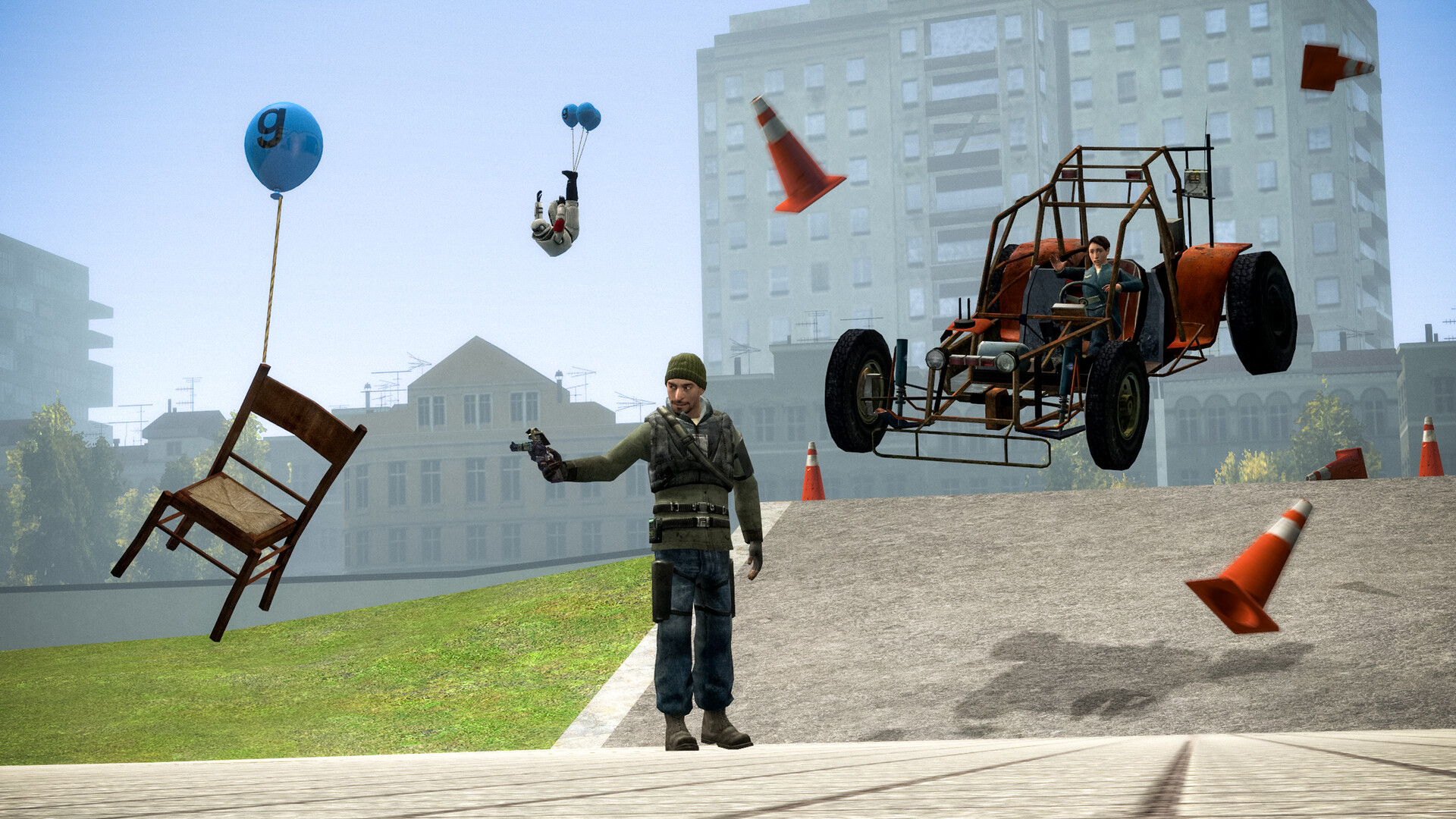
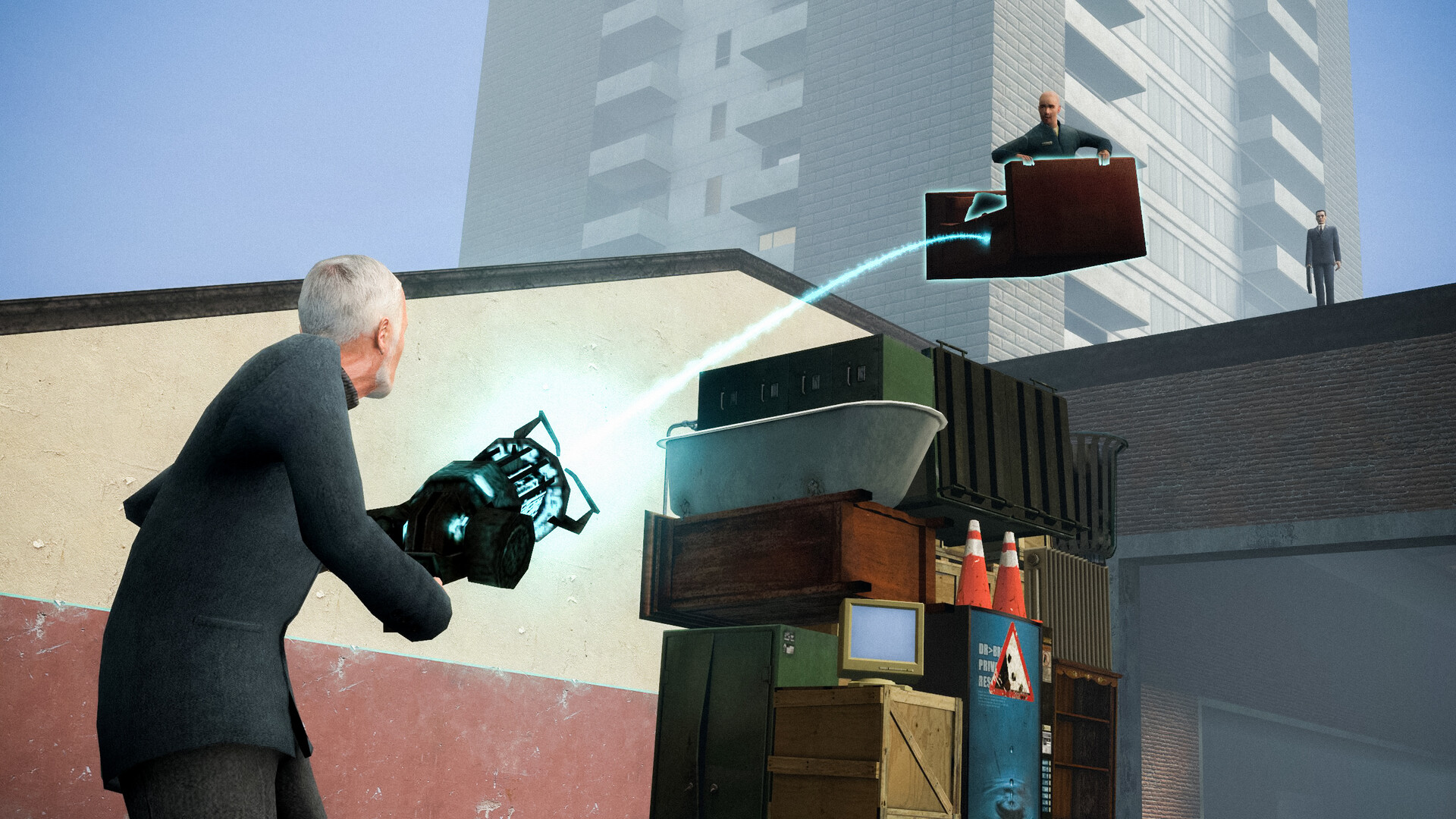
The Physics Gun moves physical objects, rotates them and freezes them in place. Holding an object is different from welding it. A frozen prop can appear attached while the adjacent part will still fall when physics resumes.
| Tool | Purpose | Typical use |
|---|---|---|
| Physics Gun | Move, rotate and freeze props | Align a platform before joining parts |
| Weld | Rigidly connect objects | Attach a chair to a chassis |
| Axis | Allow rotation around an axis | Make a wheel connection |
| Rope | Connect points with a flexible tether | Suspend or tow a prop |
| Remover | Delete the targeted supported object | Clean up an unwanted component |
Use the Tool Gun for a selected operation
Pick a tool in the spawn menu and read its on-screen instructions. Weld connects parts rigidly; Axis permits rotation; Rope creates a tether. The tool's settings determine how the new constraint behaves.
| Tool | What it adds or changes | First experiment |
|---|---|---|
| Thruster | A directional force | Push a stable vehicle base |
| Wheel | A wheel setup | Test a simple rolling platform |
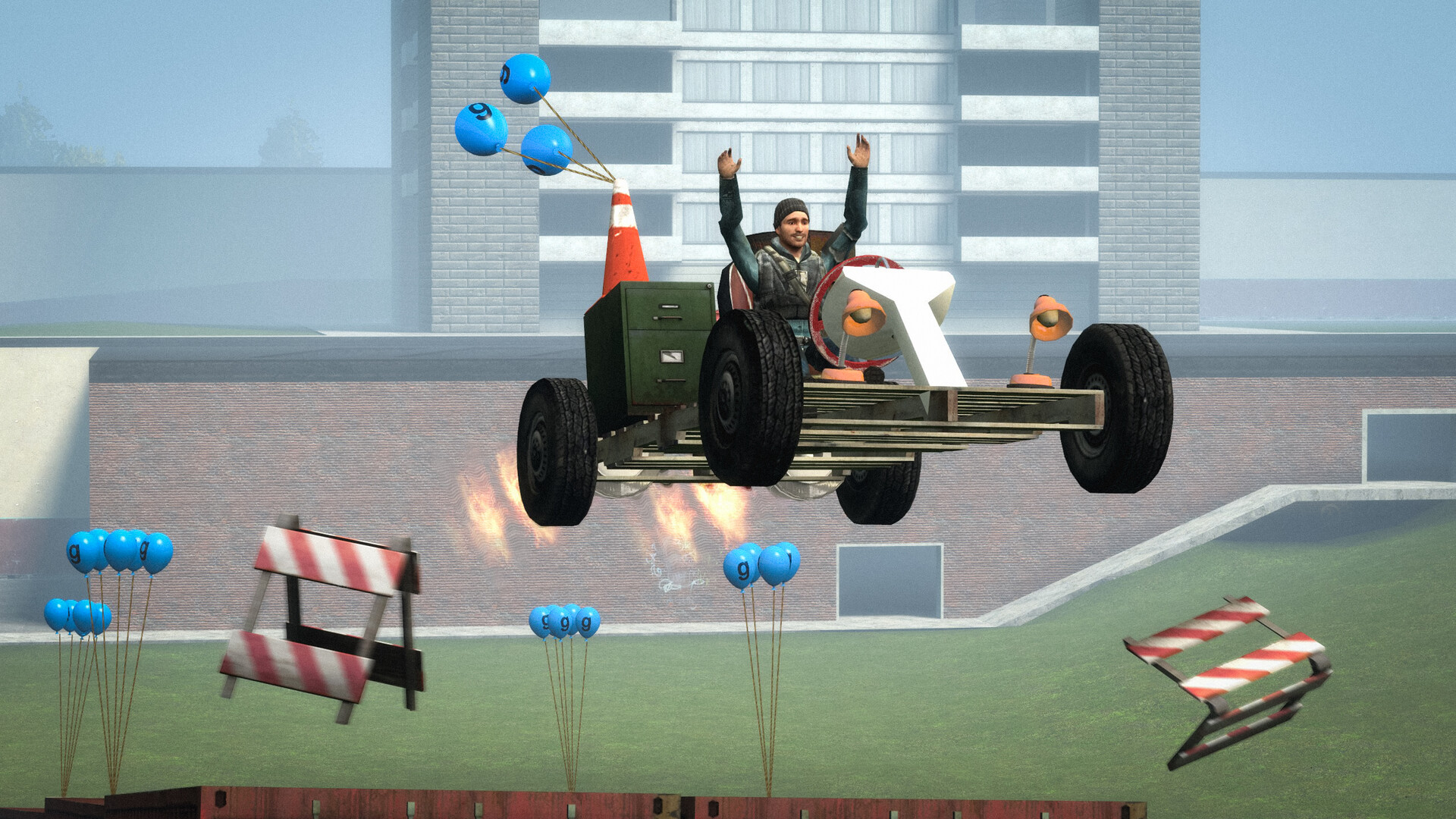
| Balloon | An upward lift effect | Observe how several balloons affect balance |
| No-Collide | Collision relationships | Stop selected connected parts colliding |
| Duplicator | Copies a construction | Reuse a design after it works |
Test the constraint you actually need
A wheel needs a rotating connection, not a rigid weld to the chassis. A decorative part often needs only Weld. Begin with a single working connection before duplicating a complicated assembly.
Remove only the intended object
Aim carefully with Remover, especially around connected constructions. Undo is convenient for a recent mistake, while targeted removal is clearer when an older object is wrong. Save the functioning version before major cleanup.
Aim carefully with Remover, especially around connected constructions. Undo is convenient for a recent mistake, while targeted removal is clearer when an older object is wrong. Save the functioning version before major cleanup.
References
| Reference | Website |
|---|---|
| Garry's Mod publisher listing | store.steampowered.com |
| Facepunch Sandbox guide | wiki.facepunch.com |
| Facepunch tools guide | wiki.facepunch.com |
| Facepunch player guides | wiki.facepunch.com |