Garry's Mod missing textures, ERROR models and add-on checks
Use a compact troubleshooting sequence for Workshop dependencies, mounted games and conflicting add-ons.
Edition covered
The PC sandbox first sold in 2006, covering the shipped Sandbox tools and basic interface. Facepunch screenshots are staged sandbox scenes. Community modes, add-ons and servers can replace controls, models and rules.
Identify whether geometry or texture is missing
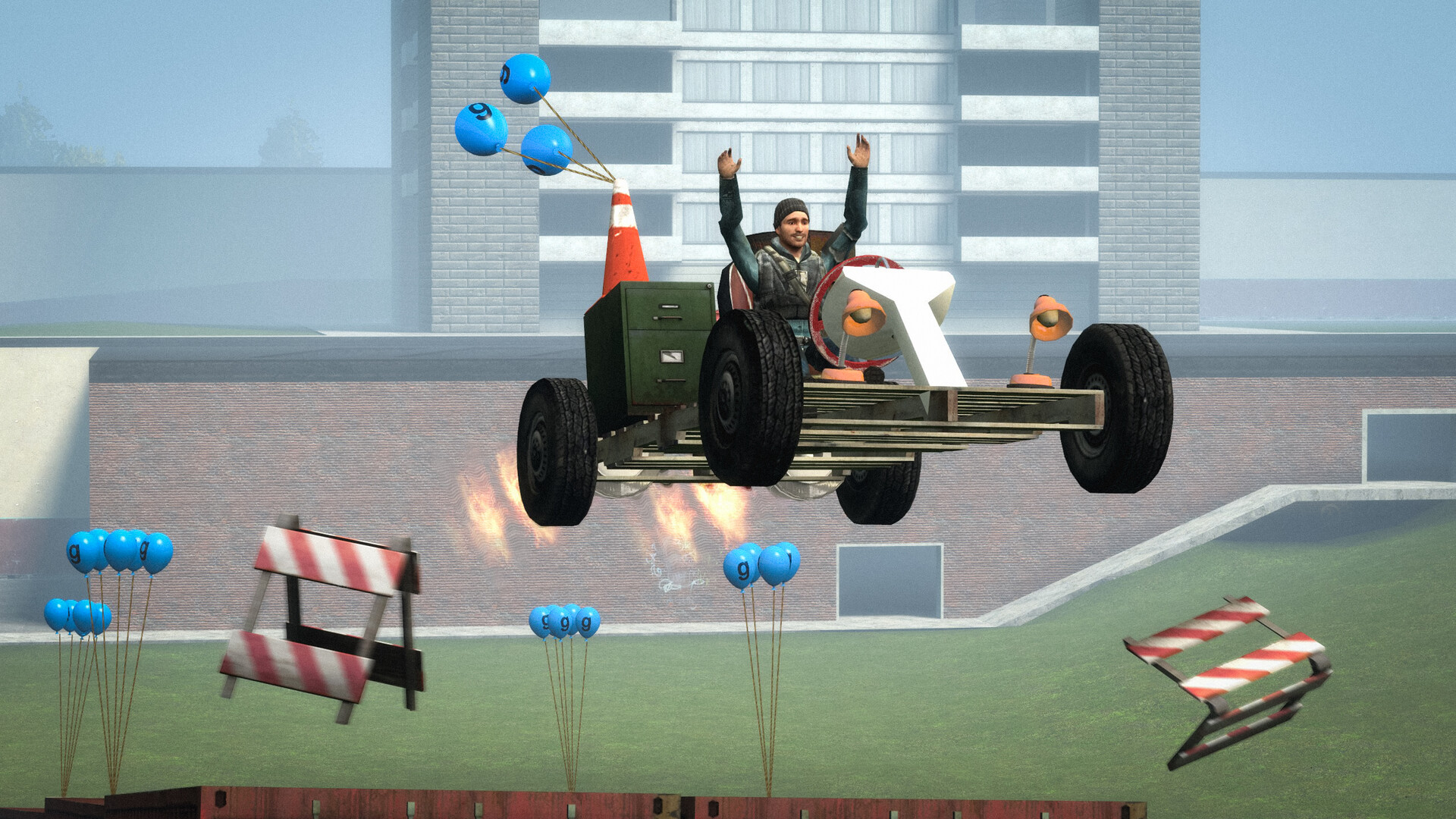
An ERROR model and a pink-and-black surface indicate different missing assets. Record the affected map or object before changing the installation. A screenshot of the problem helps identify which add-on supplied it.
| Symptom | Likely category | First check |
|---|---|---|
| ERROR model | Missing model content | The object's add-on and required items |
| Pink-and-black surface | Missing material or texture | Map and content dependencies |
| Tool absent from menu | Add-on disabled or wrong mode | Enabled items and current mode |
| Problem on one server | Server-specific content or rules | That server's instructions |
| Problem after adding content | Possible add-on conflict | A local test with optional add-ons disabled |
Check the published dependencies first
Workshop items can require other add-ons or content from another Source game. Read the item's requirements and mount a legitimately owned installed game where needed. Installing unrelated model packs does not reliably repair a specific dependency.
| Order | Action | What it tells you |
|---|---|---|
| 1 | Record the map and game mode | Defines the reproducible situation |
| 2 | Read the item's required content | Finds declared dependencies |
| 3 | Test a stock local Sandbox map | Separates a broad failure from custom content |
| 4 | Re-enable add-ons in small groups | Narrows the likely conflict |
| 5 | Consult the item author's instructions | Checks version-specific requirements |
Isolate add-ons in a clean session
Disable optional add-ons and load a stock Sandbox map to narrow the cause. Re-enable relevant items in small groups. If the problem follows one add-on, check its instructions and update information before changing unrelated settings.
Keep a record of the working combination
Save the map, mode and enabled add-ons that reproduce the issue. Community content changes independently from Garry's Mod, so a clear reproduction is more useful than assuming every missing asset is a base-game fault.
Save the map, mode and enabled add-ons that reproduce the issue. Community content changes independently from Garry's Mod, so a clear reproduction is more useful than assuming every missing asset is a base-game fault.
References
| Reference | Website |
|---|---|
| Garry's Mod publisher listing | store.steampowered.com |
| Facepunch Sandbox guide | wiki.facepunch.com |
| Facepunch tools guide | wiki.facepunch.com |
| Facepunch player guides | wiki.facepunch.com |