
Garry's Mod beginner controls: spawn menu, Physics Gun and undo
Learn the standard Sandbox controls and a small first build before installing complex community add-ons.
Edition covered
The PC sandbox first sold in 2006, covering the shipped Sandbox tools and basic interface. Facepunch screenshots are staged sandbox scenes. Community modes, add-ons and servers can replace controls, models and rules.
Start a local Sandbox session
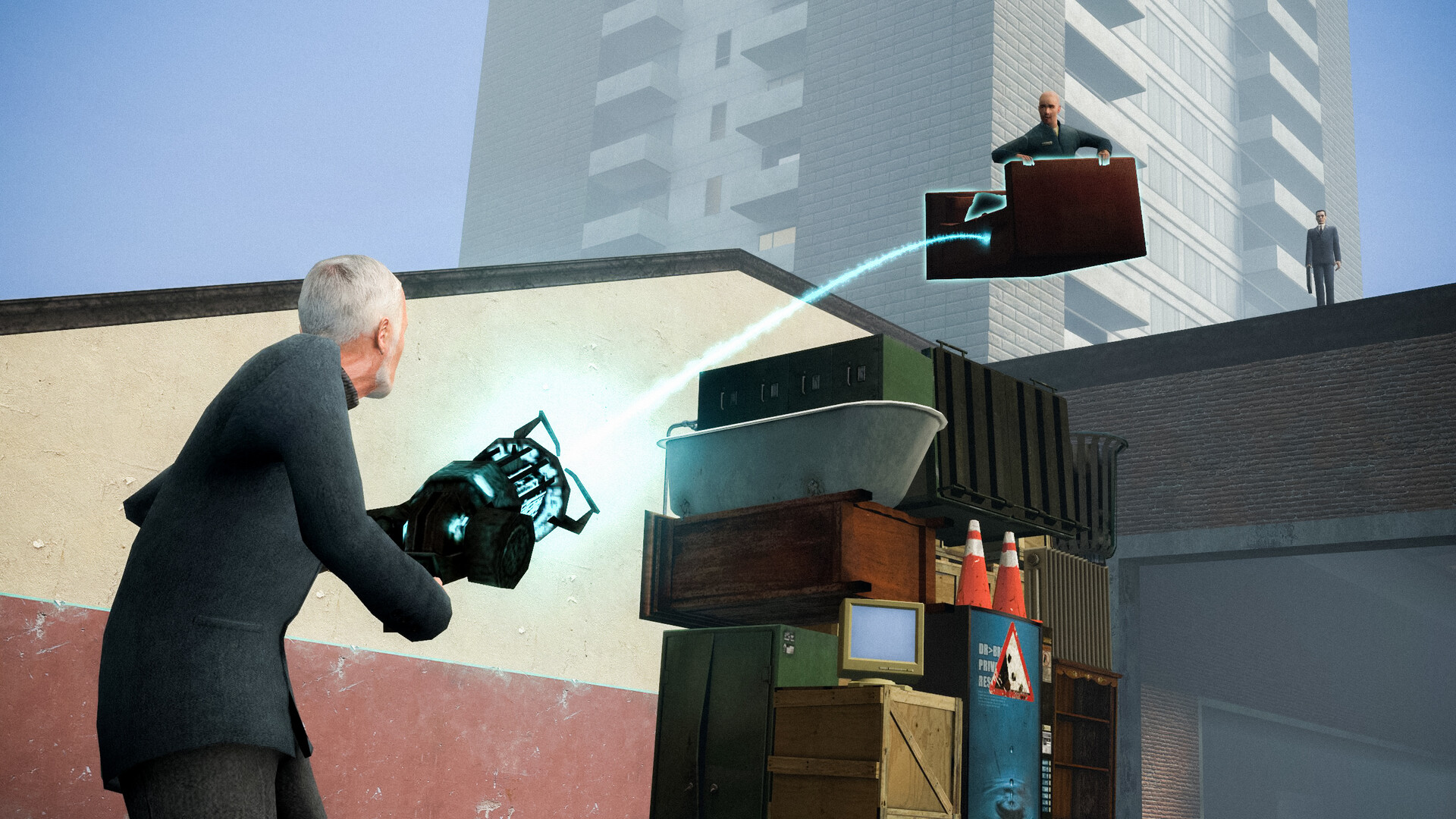
Choose Sandbox and a simple map such as gm_construct. A local session gives room to practise without another server's restrictions. Spawn one prop and learn to move it before creating a large structure.
| Control | Action | Useful context |
|---|---|---|
| Q | Open spawn menu | Choose props, NPCs and tools |
| C | Open context menu | Change relevant object or player options |
| Z | Undo a recent supported action | Recover from an accidental spawn or tool use |
| V | Toggle noclip where permitted | Move around a build freely |
| Mouse wheel | Cycle weapons or adjust held-object distance in context | Check which tool is active |
Learn the default interaction keys
Q opens the spawn menu, C opens the context menu and Z undoes a recent supported action in the default controls. Key bindings can be changed, so inspect Options if an expected key does nothing.
| Step | Action | Result |
|---|---|---|
| 1 | Spawn a flat prop | Creates a base to work from |
| 2 | Lift and freeze it with the Physics Gun | Holds the base steady |
| 3 | Spawn and align a second prop | Creates a simple structure |
| 4 | Join the props with Weld | Makes a physical connection |
| 5 | Unfreeze and test carefully | Checks whether the construction is stable |
Freeze before arranging several parts
Use the Physics Gun to lift a prop and freeze it while you place the next piece. Unfrozen props obey physics and can fall or collide. Build a stable base before adding thrusters or wheels.
Undo early while the action is clear
The undo command is useful immediately after an unwanted spawn or tool action. Use the Remover when you need to select a particular object instead. Save a successful build before experimenting with a large revision.
The undo command is useful immediately after an unwanted spawn or tool action. Use the Remover when you need to select a particular object instead. Save a successful build before experimenting with a large revision.
References
| Reference | Website |
|---|---|
| Garry's Mod publisher listing | store.steampowered.com |
| Facepunch Sandbox guide | wiki.facepunch.com |
| Facepunch tools guide | wiki.facepunch.com |
| Facepunch player guides | wiki.facepunch.com |