F.E.A.R. boosters and exploration: health, reflex capacity and missed pickups
Quick answers for the permanent upgrades and a practical room-search routine.
Edition covered
The original 2005 F.E.A.R. single-player campaign. Warner Bros. Steam imagery comes from the original F.E.A.R. package listing; its header also advertises Extraction Point and Perseus Mandate. Those expansion campaigns and their additional weapons are not covered.
Distinguish a booster from an ordinary refill
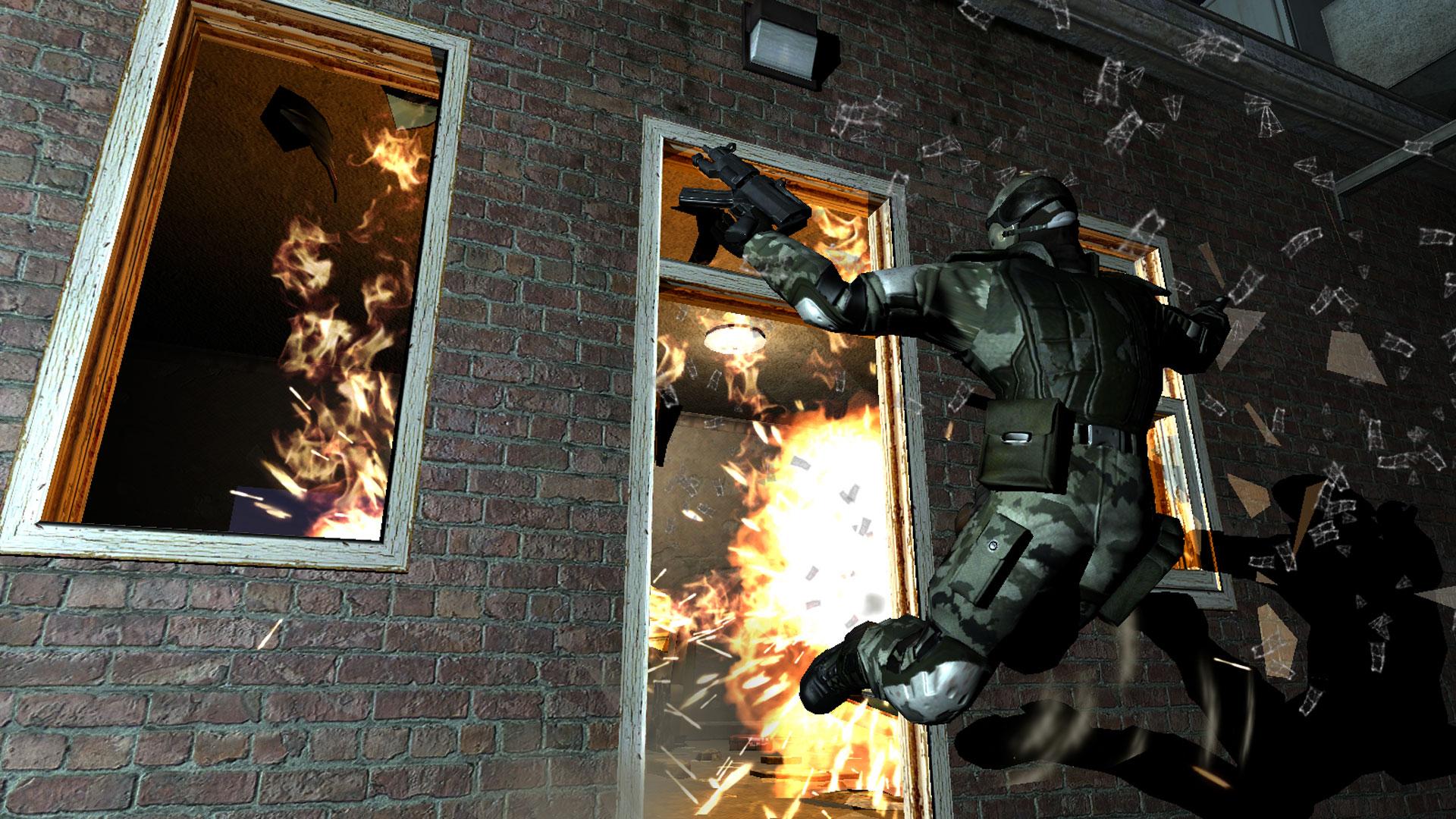
Health boosters increase maximum health, while reflex boosters increase the slow-motion capacity. They are permanent improvements for the run. A medkit or armor pickup instead addresses the current resource state, so searching only when injured can cause you to overlook a valuable upgrade.
| Pickup | Effect | Persists as an upgrade? |
|---|---|---|
| Health booster | Raises maximum health | Yes, for the campaign run |
| Reflex booster | Raises slow-motion capacity | Yes, for the campaign run |
| Medkit | Restores health when used | No, it is a consumable |
| Armor | Adds damage protection | No, it is depleted by damage |
| Ammunition | Refills a weapon supply | No, it is spent when firing |
Check side rooms before one-way transitions
Boosters often reward optional exploration around the main route. Inspect offices, storage rooms and spaces behind stairs before dropping down or leaving in an elevator. Keep a manual save before a clear point of no return when you want to search thoroughly.
| Place or moment | Inspect | Why |
|---|---|---|
| Office side rooms | Desks, shelves and adjoining doors | Supplies can sit off the direct route |
| Stairs and catwalks | Space below and nearby doors | Vertical paths hide optional areas |
| Visible inaccessible pickup | Adjacent entrances or vents | The route may approach from another side |
| Elevator or large drop | Unsearched connected rooms | Return may no longer be possible |
| Campaign selection | Base game versus expansion | Avoid using a mismatched location guide |
Use environmental clues to investigate a missed room
A visible pickup behind a window may be reached by a nearby door, vent or alternate path. Look around the local area instead of assuming every locked-looking entrance needs a key. Breakable objects and lower passages can hide a route that is easy to miss while sprinting.
Keep collection claims scoped to the base campaign
Extraction Point and Perseus Mandate have their own maps and item placement. This guide explains the original game’s upgrade types and search method rather than presenting a combined package total. If following a location checklist elsewhere, confirm the interval and campaign name match your game.
Extraction Point and Perseus Mandate have their own maps and item placement.
References
| Reference | Website |
|---|---|
| F.E.A.R. — publisher listing | store.steampowered.com |
| GameSpot: original F.E.A.R. walkthrough | www.gamespot.com |
| F.E.A.R. Wiki: original weapons | fear.fandom.com |
| F.E.A.R. original game reference | en.wikipedia.org |