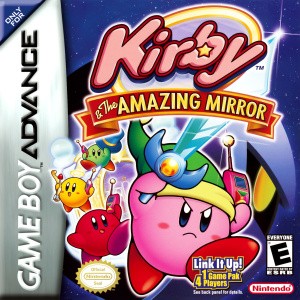
Amazing Mirror map navigation, phone calls and room exploration
Read the interconnected world and use the other Kirbys effectively.
Edition covered
Original Game Boy Advance game. Four-player main-adventure play uses the original multi-cartridge link setup; re-release multiplayer support depends on that service.
Treat doors as network connections
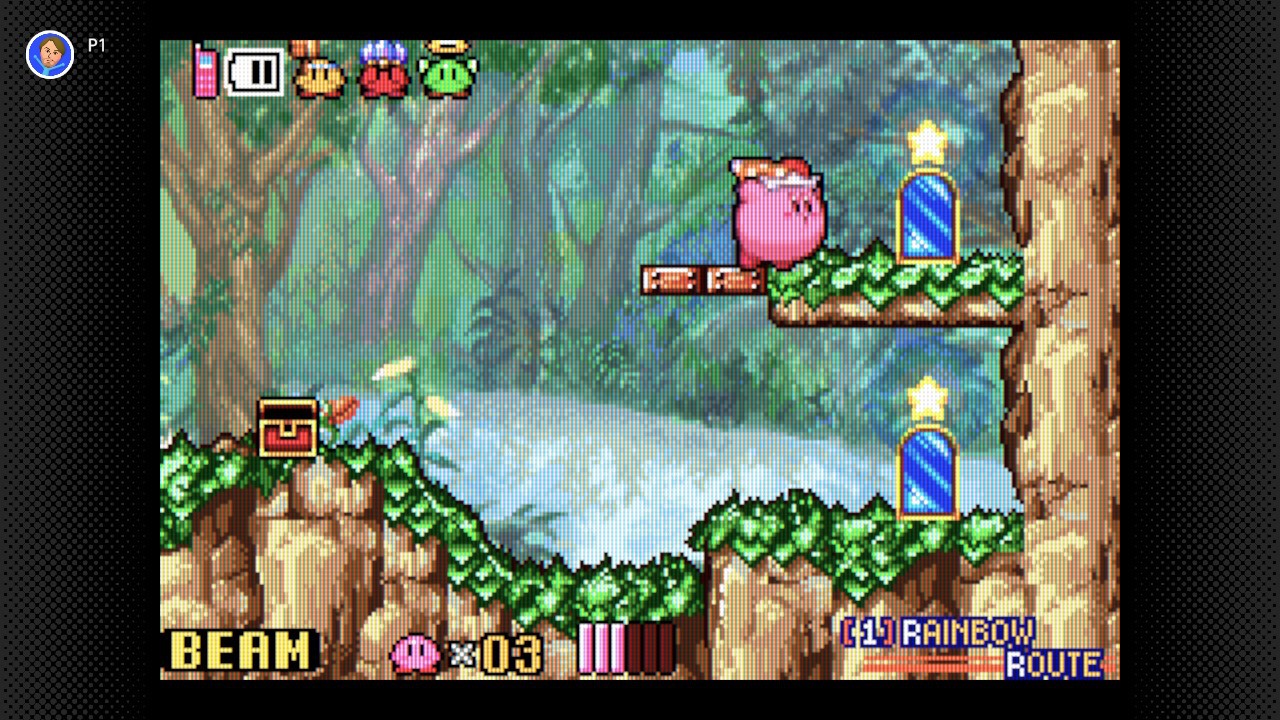
Rainbow Route connects to several regions, and a door can lead sideways into another area rather than directly toward a boss. Open the map when a route loops back to a familiar room.
| Tool | Function | Best use |
|---|---|---|
| Area map | Shows room connections | Find branches and incomplete rooms |
| Central Circle | Main hub | Choose a region after a major objective |
| Shortcut mirror | Connects an unlocked route | Reduce repeated traversal |
| Cell phone | Summon other Kirbys | Bosses and cooperative obstacles |
| Battery | Restores phone uses | Prepare before asking for more help |
Use the phone for timely support
Calling the other Kirbys brings help to the current location, subject to the phone’s battery supply. Save calls for heavy obstacles or difficult battles instead of summoning them after every ordinary enemy.
| Problem | Check | Next action |
|---|---|---|
| Repeatedly returning to the same room | Map connections | Take a different exit |
| Missing shard | Unbeaten regional boss | Find that region’s boss route |
| Missing treasure | Room completion information | Search branches and hidden passages |
| Unable to move a large block alone | Other Kirbys available | Call for assistance |
| Phone unavailable | Battery supply | Collect a battery pickup |
Find each area’s map
Area maps reveal room connections and support treasure cleanup. Pay attention to which rooms still contain unopened treasure rather than assuming that simply passing through a room completes it.
Open useful central shortcuts
Large switches and mirror connections make later travel easier. Return to the central hub after a new connection opens, then use it to reach an unfinished region with less repeated travel.
References
| Reference | Website |
|---|---|
| Nintendo original game overview | www.nintendo.com |
| WiKirby area and treasure reference | wikirby.com |