How to respec in Borderlands 2: Quick Change and skill-point planning
Reset a build and spend points around the skills your current level can support.
Borderlands 2 base campaign with the four original Vault Hunters and a level-50 base-game cap. Gaige, Krieg, DLC campaigns, level-cap upgrades, Ultimate Vault Hunter Mode and Overpower levels require additional content and are identified separately. Pictures are publisher-supplied PC media.
Use a Quick Change station to reset skills
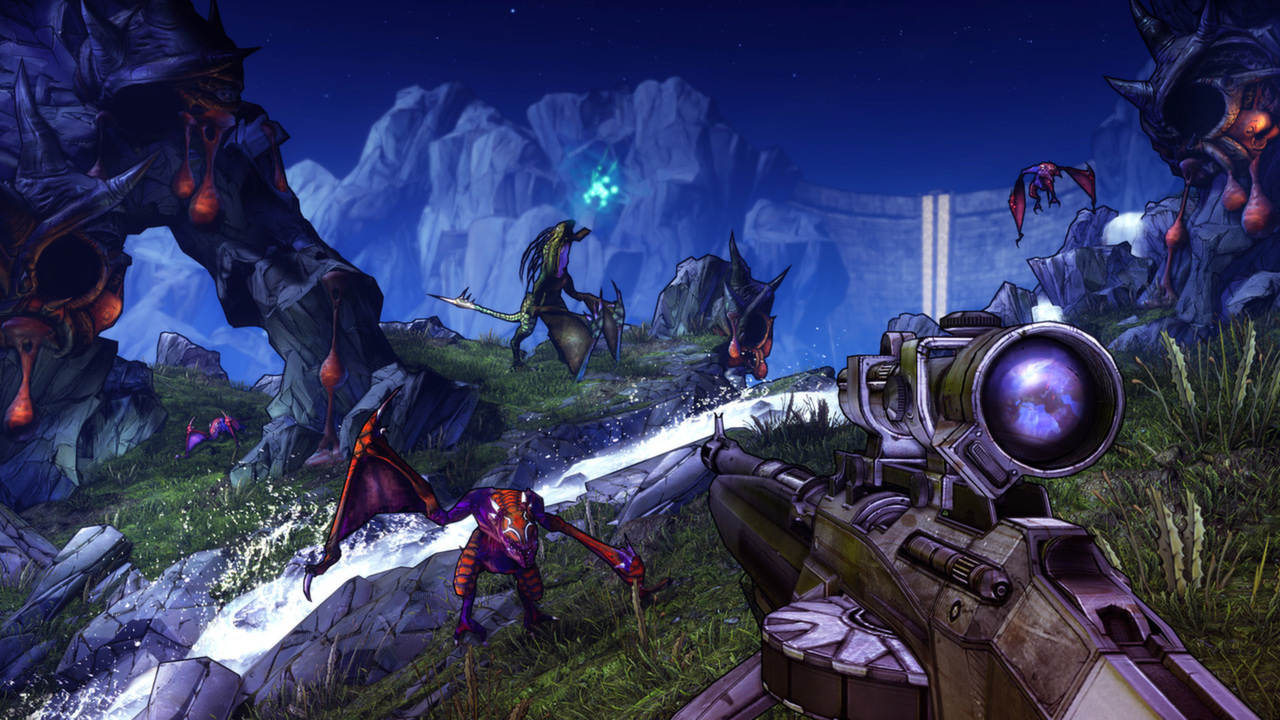
Visit a Quick Change station and select the respec option, then confirm the displayed cash fee. This returns your spent skill points so you can rebuild the same character. It does not convert Maya into Axton or change the class you chose when creating the save.
Unlock the action skill and spend down one tree
The first skill point arrives at level 5 and unlocks your class action skill. Later points go into three skill trees. Additional tiers open after five-point increments invested in the same tree, so scattering points evenly across all three trees delays their deeper abilities.
Plan around a reachable milestone
Choose one useful ability you can reach soon, then allocate the prerequisite points toward that goal. A base-game level-50 character has 46 skill points in total, including the action skill. A level-80 build contains more points than the base game supplies and cannot simply be copied at level 50.
Rebuild around the gear and party you actually have
Axton can invest around turret use, Maya around Phaselock and support, Salvador around Gunzerking, or Zer0 around precision or melee. Read skill conditions before spending: bonuses that need your own kill or a particular weapon may contribute little in a different setup. Test the rebuilt character in a familiar area.
More Borderlands 2 quick answers
Borderlands 2 elements explained: fire, shock, corrosion and slagBorderlands 2 TVHM guide: unlock, progress and the base-game level capRecord your old skill allocation before resetting if you want to compare the new build against it.
Picture details
Game artwork belongs to its respective rights holders.