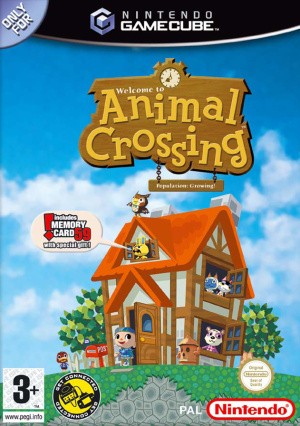
Animal Crossing (GameCube) Museum and fossil identification
Follow the GameCube fossil-mail workflow and organize donations.
Edition covered
International GameCube Animal Crossing, first released in North America in 2002 and later in Australia and Europe. Japanese Animal Forest and Doubutsu no Mori e+ additions are excluded; holiday details vary by region.
Dig marked ground
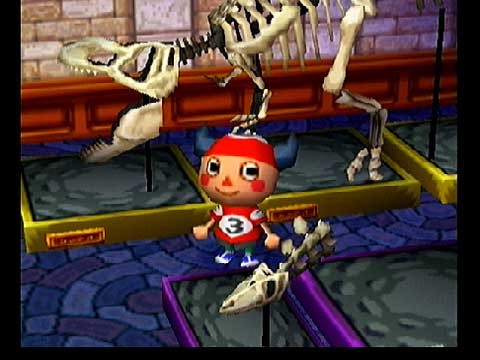
Star-shaped cracks can contain fossils or other buried objects. Search the town's acres and keep pockets available before beginning a route.
| Collection | How to obtain | Before donating |
|---|---|---|
| Fish | Fishing rod in the correct water | Keep a newly caught species |
| Bugs | Net at the relevant habitat | Approach carefully |
| Fossils | Dig up then mail for identification | Open the returned identified specimen |
| Paintings | Shop and special sale opportunities | Bring the actual item to Blathers |
Use the Farway Museum
After finding your first fossil, follow the museum letter to send fossils for identification. The local Blathers accepts identified donations but cannot perform the assessment himself.
| Step | Action | Reason |
|---|---|---|
| Discover | Dig up an unidentified fossil | Begin the identification process |
| Attach fossil to a letter for Farway Museum | Identification is handled remotely | |
| Receive | Open the reply's attachment | Obtain a named fossil |
| Donate or sell | Check Blathers first | Preserve missing exhibits before selling duplicates |
Check the returning mail
Identified fossils return by letter. Open the attachment, visit Blathers and determine whether the museum still needs that specimen before selling it.
Separate personal records from donations
Catching a fish or bug records it for your character, while donating creates the exhibit. A catalog or catch record is not proof that the museum already owns a copy.
References
| Reference | Website |
|---|---|
| Game reference | www.nintendo.com |
| Detailed mechanics and reference | nookipedia.com |
| Fossil identification by game | nookipedia.com |