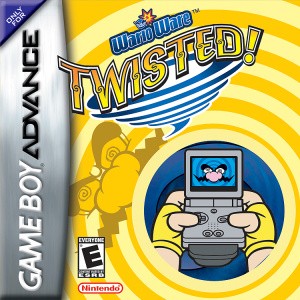
WarioWare: Twisted! gyro controls, calibration and input styles
Get the original motion cartridge responding predictably.
Edition covered
Original GBA cartridge with built-in gyro sensor and rumble; first released in Japan in 2004 and North America in 2005. Ordinary button-only cartridge emulation needs explicit gyro support.
Rotate the handheld around the screen
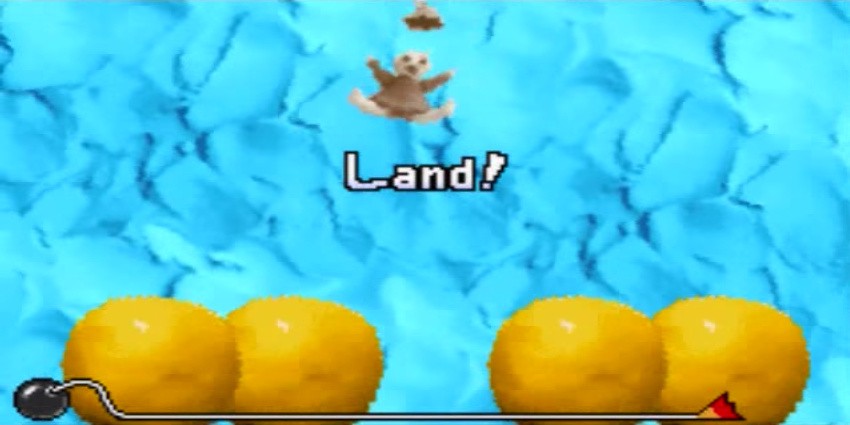
Twisted reads angular motion from its cartridge, with the screen turning in your hands. Ordinary D-pad movement is not a substitute for a game that asks for rotation.
| Host | Style | Habit |
|---|---|---|
| Mona | Small spins | Make measured corrections |
| Jimmy T. | Large spins | Allow enough rotation |
| Kat & Ana | A-button actions | Keep the device steady |
| Dribble & Spitz | Spin plus A | Coordinate aim and press |
Begin each microgame from a steady position
The game calibrates its motion reference between tasks. Hold the device comfortably and still as the next prompt arrives, then make the required movement.
| Problem | Likely cause | Fix |
|---|---|---|
| Target overshoots | Turn is too large | Use a smaller rotation |
| Game expects A | Wrong input assumption | Read the host and prompt |
| Neutral position feels awkward | Moved during reset interval | Steady the system before the next task |
| Button-only setup cannot respond | Gyro input unavailable | Use hardware or a setup with proper gyro support |
Use smaller turns for precision games
Mona’s challenges reward measured movement. Overshooting a target with a dramatic twist wastes the short time available to correct it.
Keep A-button tasks distinct
Some hosts use A alone or combine it with rotation. Identify whether the task needs a press, a turn or both before moving the system.
References
| Reference | Website |
|---|---|
| Game, controls and unlock reference | www.mariowiki.com |
| Microgame list | www.mariowiki.com |