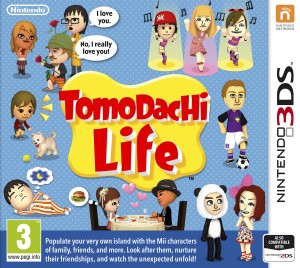
Tomodachi Life Mii Creation, Voices and Island Setup
Build an island with distinct residents and keep their appearance, profile and personality settings organized.
Edition covered
Original Nintendo 3DS game; European and North American names may differ.
Start with a recognizable look-alike
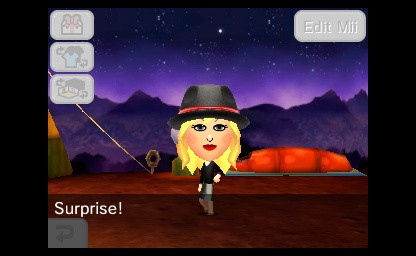
The first Mii represents you, but the island can include invented characters as well as friends and family. Appearance, voice and personality are separate choices, so a face alone does not finish the character.
| Method | Best use | Check afterward |
|---|---|---|
| Create from scratch | A new fictional resident | Face, profile and voice |
| Mii Maker import | A Mii already on the system | In-game personal details |
| Photo-based creation | A starting resemblance | Manually adjust facial features |
| Tomodachi Life QR Code | A shared character design | Profile and editable settings |
Choose the quickest import method
You can create a Mii inside the game, import a compatible Mii from Mii Maker or scan a Tomodachi Life QR Code. Review an imported profile before confirming it, especially its age and pronunciation.
Tune the voice and personality
Use the voice controls to make speech easier to recognize, then set the personality sliders. Different personalities give the apartment population variety; they are not a reliable code for forcing a particular couple.
| Setting | What it changes | Useful check |
|---|---|---|
| Appearance | The visible Mii | Preview from several angles |
| Name and nickname | How the island addresses the Mii | Listen to pronunciation |
| Voice | Spoken delivery | Try the voice sample |
| Personality | Character behavior and reactions | Review all sliders |
| Birthday and age | Profile and age-related systems | Enter the intended age group |
Save the island manually
Tomodachi Life has one island save and does not automatically save every interaction. Use the save command after creating residents or finishing a round of problems so that a closed game does not undo the session.
References
| Reference | Website |
|---|---|
| Nintendo Tomodachi Life overview | www.nintendo.com |
| Nintendo 3DS electronic manual | www.nintendo.com |