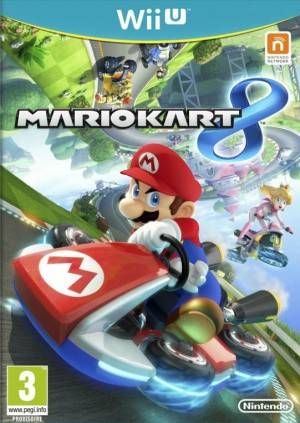
Mario Kart 8 Driving and 200cc: drifts, coins and anti-gravity
Match turning technique to engine class and wheel mode.
Edition covered
Original Wii U game with its free updates. Paid DLC is identified separately. Deluxe characters, two held items, purple drift sparks and dedicated battle arenas are outside this edition. Official online play ended in April 2024.
Drifts store a boost
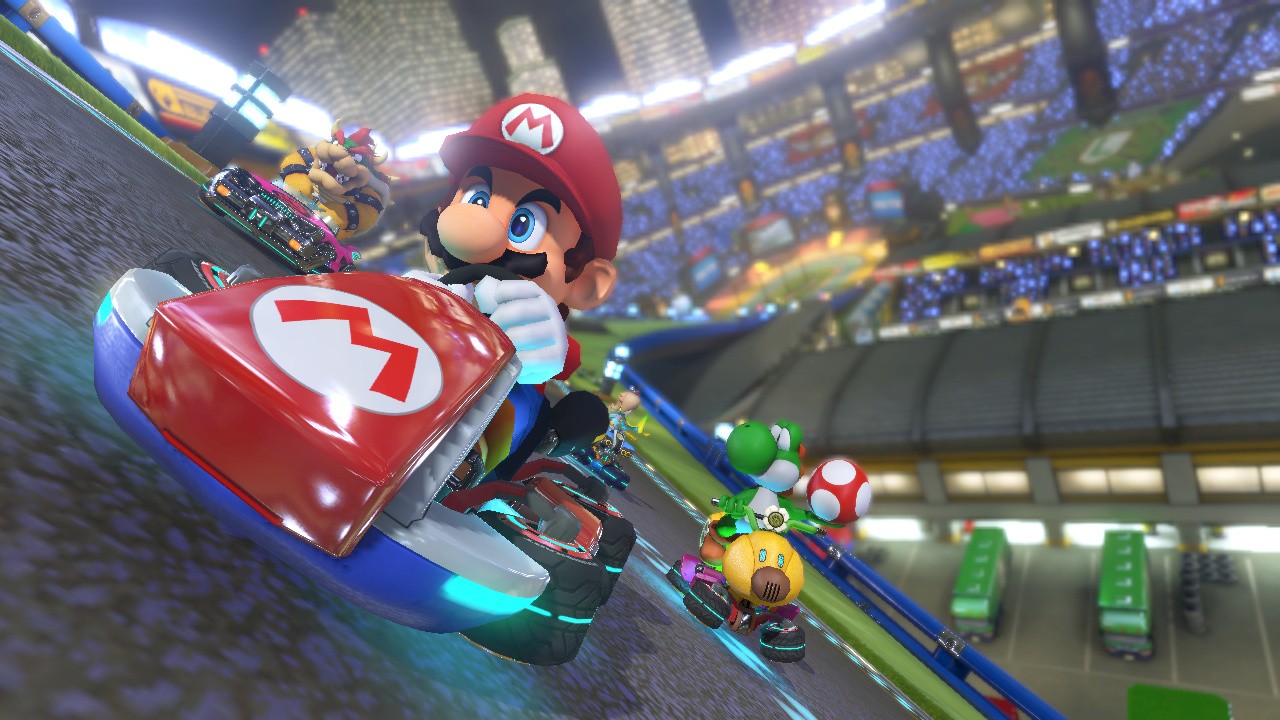
Hold a drift through a suitable bend and release after the sparks develop. Wii U uses blue and orange spark stages; Deluxe’s purple Ultra Mini-Turbo is not part of this version.
| Action | Purpose | Practice cue |
|---|---|---|
| Drift | Turn while building a Mini-Turbo | Start before the apex |
| Trick off a ramp | Gain a landing boost | Use the jump input as you leave the edge |
| Anti-gravity contact | Trigger a spin boost | Look for sideways wheels |
| Slipstream | Gain speed behind a rival | Follow the rival’s line briefly |
| Glider steering | Adjust an airborne approach | Plan the landing before diving |
| Brake-drift | Tighten a fast corner | Especially useful at 200cc |
Anti-gravity changes contact
The sideways wheel animation marks an anti-gravity section. Contact with rivals or spin boosters can trigger a spin boost there; ordinary ground contact follows different collision rules.
| Class | What changes | Availability note |
|---|---|---|
| 50cc | Slowest Grand Prix pace | Good for learning the road |
| 100cc | Moderate race speed | Requires earlier braking than 50cc |
| 150cc | Fast standard class | Learn stable drift timing |
| Mirror | Reversed course layout | Immediately available from version 4.1.0 |
| 200cc | Highest racing speed | Added in 4.0.0; immediately available from 4.1.0 |
Brake while drifting at 200cc
The extra speed can carry even a well-started drift outside the road. Briefly brake while maintaining the drift to keep the kart on the bend.
Controller labels vary
GamePad, Pro Controller and Wii Remote setups use different inputs. Check the selected control layout before copying a button combination from another setup.
References
| Reference | Website |
|---|---|
| Nintendo original game information | en-americas-support.nintendo.com |
| Edition-specific mechanics reference | www.mariowiki.com |
| Nintendo eShop and online-service status | en-americas-support.nintendo.com |
| Nintendo online-service status | www.nintendo.com |
| Nintendo eShop and existing-download status | www.nintendo.com |