
Halo 3: ODST Campaign and clues: Mombasa Streets and flashback order
Understand how the Rookie’s investigation opens the squad’s earlier missions.
Edition covered
Original 2009 ODST story and classic Firefight fundamentals. Images show the enhanced PC Master Chief Collection release. Later MCC Floodfight, additional weapons and Golden Moa are separate additions, not original campaign mechanics.
The streets are the investigation hub
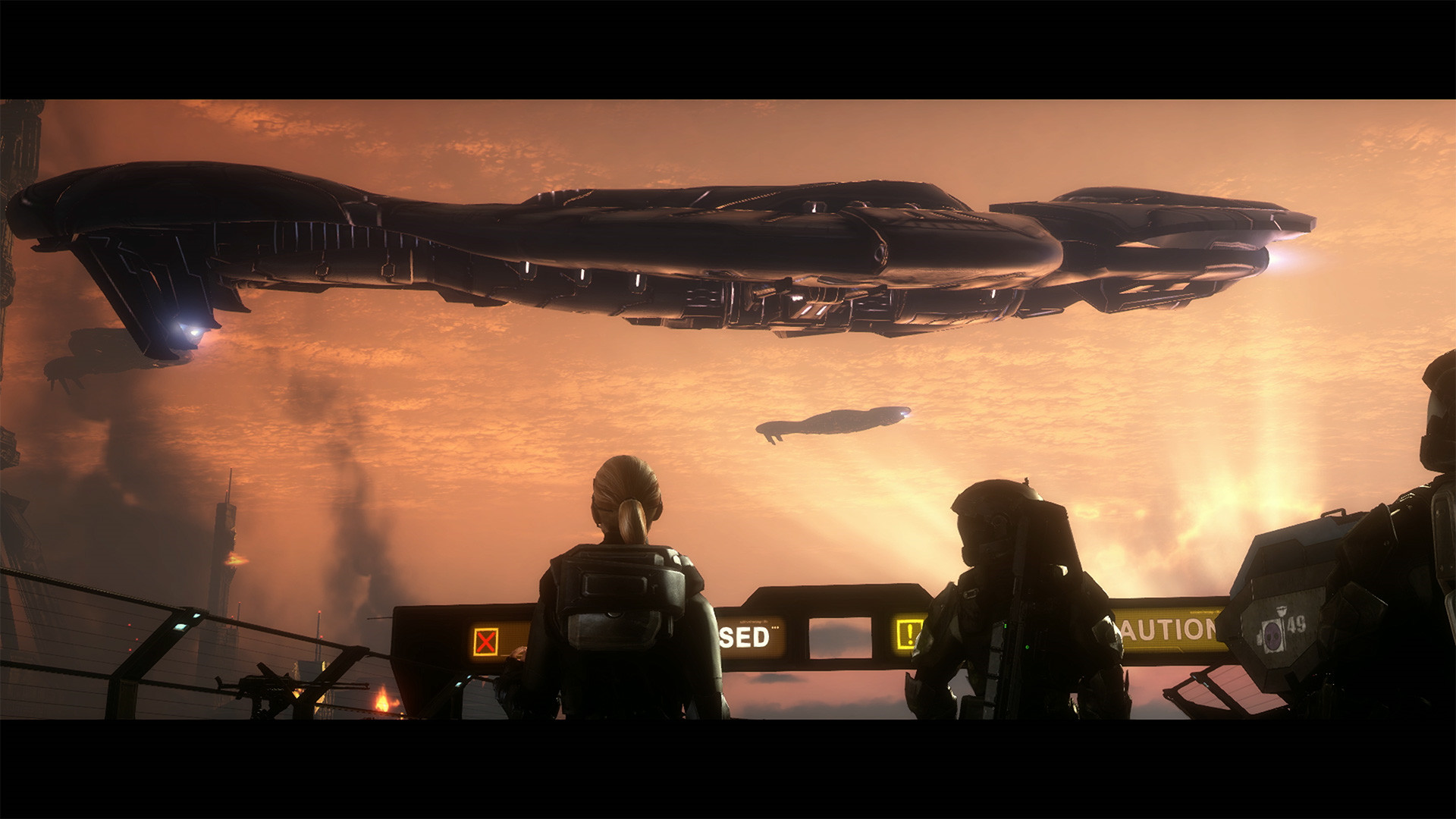
The Rookie explores New Mombasa at night. Finding a squad-related clue triggers a flashback, which temporarily moves the viewpoint to another ODST earlier in the day.
| Mission | Main playable viewpoint | Scene |
|---|---|---|
| Tayari Plaza | Buck | Search around the drop area |
| Uplift Reserve | Dutch | Vehicle-heavy reserve battle |
| Kizingo Boulevard | Mickey | Tank action in city streets |
| ONI Alpha Site | Dutch | Defense of the ONI facility |
| NMPD HQ | Romeo | Rooftop fighting with Buck |
| Kikowani Station | Buck | Airborne escape with the squad |
Read the flashback’s time and character
Buck, Dutch, Mickey and Romeo have distinct assignments. A daylight mission is not the Rookie suddenly travelling forward in time; it reconstructs what happened after the drop.
| Layer | Purpose | How to progress |
|---|---|---|
| Prepare to Drop | Opening setup | Follow the introductory sequence |
| Mombasa Streets | Rookie investigation | Reach and inspect clues |
| Flashback missions | Show the squad’s earlier actions | Complete the current combat objective |
| Data Hive | Underground story progression | Follow the mission route |
| Coastal Highway | Final extraction operation | Protect and advance with the team |
The final missions reunite the threads
Data Hive and Coastal Highway follow the investigation toward the mission’s conclusion. Their objectives differ from wandering the streets for a clue.
Let the map narrow the search
Open the VISR map to locate the objective area, then inspect highlighted objects nearby. A clue can be above street level or inside the designated structure rather than at the center of a road.
Open the VISR map to locate the objective area, then inspect highlighted objects nearby.
References
| Reference | Website |
|---|---|
| Halo 3: ODST publisher listing | store.steampowered.com |
| Original ODST instruction manual | halo.wiki.gallery |
| Audio log and final-recording reference | www.halopedia.org |
| Official MCC additions and edition differences | www.halowaypoint.com |